./googleearth_5.2.1.1588+0.5.7-1_i386.deb
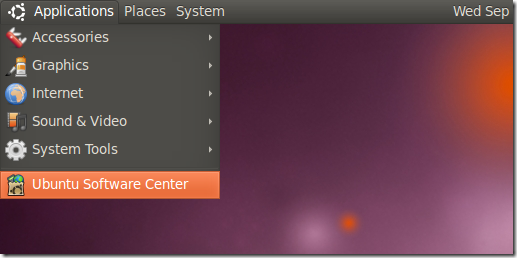
首先依次展开 应用程序 –> Ubuntu 软件中心
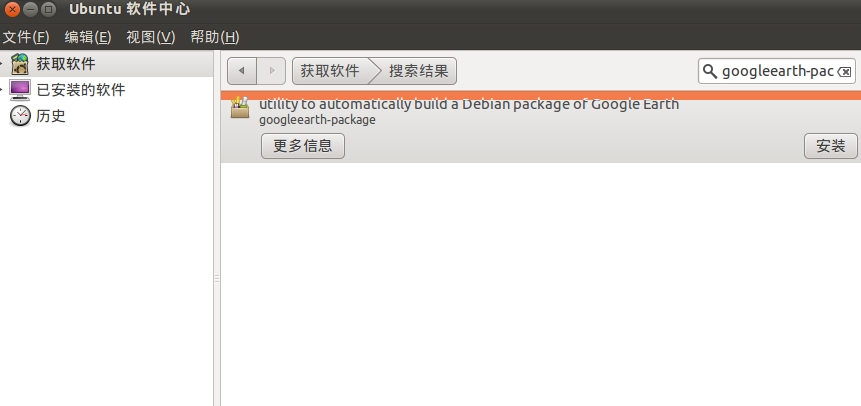
找到googleearth-package 并安装
安装完毕后,按下CTRL–Alt-F2R打开终端,在终端种输入
sudo make-googleearth-package --force
如下图
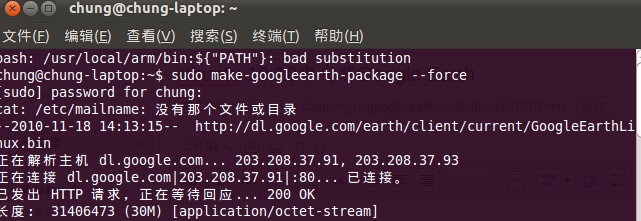
等待下载完所有 Google Earth软件包后,按下Alt-F2运行./googleearth_5.2.1.1588+0.5.7-1_i386.deb
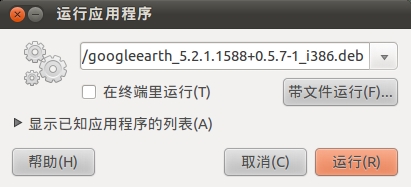
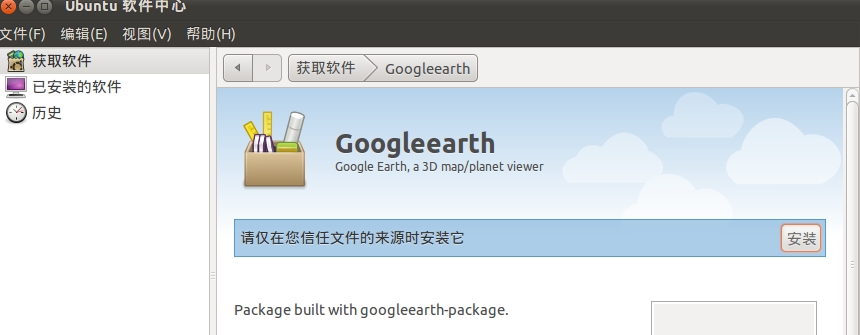
Ubuntu软件中心会自动打开,点击安装开始安装
此种方法安装完后,google earth是乱码的,解决办法我也在进一步的寻找中。

发表回复